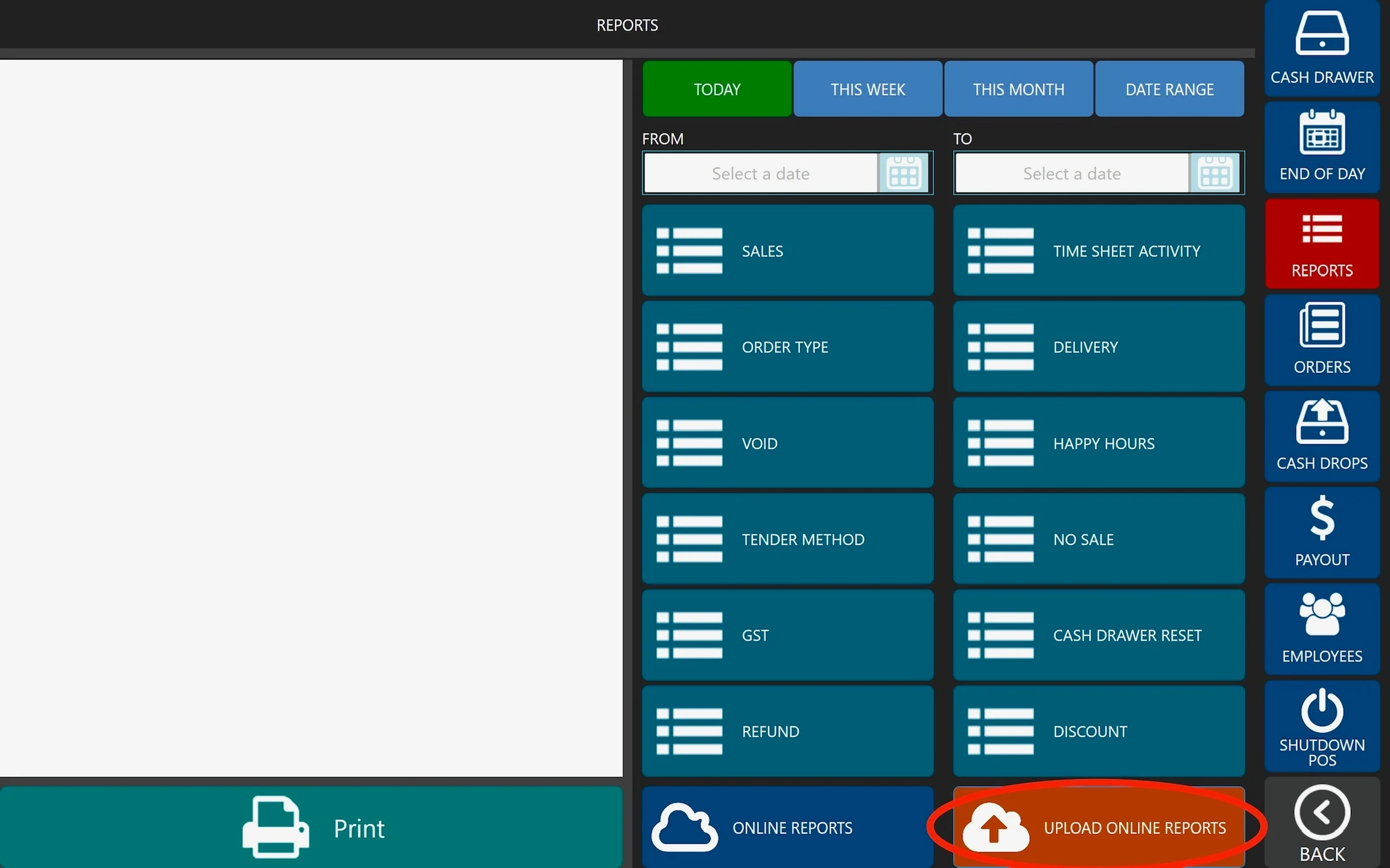
How to: Upload Online Reports Steps: Go to POS dashboard. Click Reports (Right Nav Pane). Click ‘UPLOAD ONLINE REPORTS’ located at the bottom right corner. See below image.
 Documentation