How to Add Lines/Space to Printed Dockets
Steps:
- Go to POS dashboard
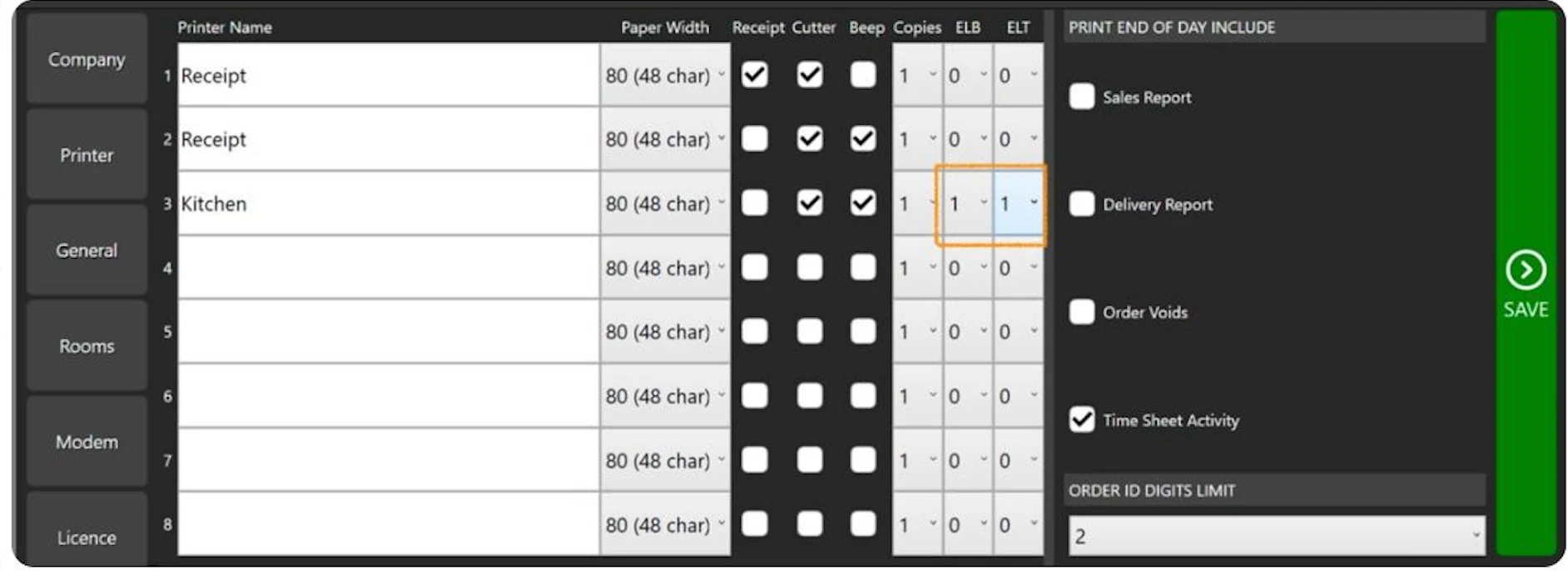
- Go to Printer Tab
- Locate the printer you need to update
- Look for 'Extra Lines Top (ELT) and 'Extra Lines Bottom (ELB)' and adjust it to your preference.
- Save
 Documentation