
How to Merge Table Orders on PushPOS
Steps
-
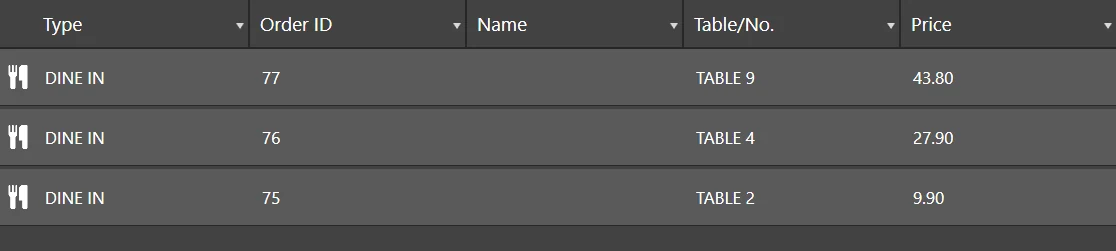
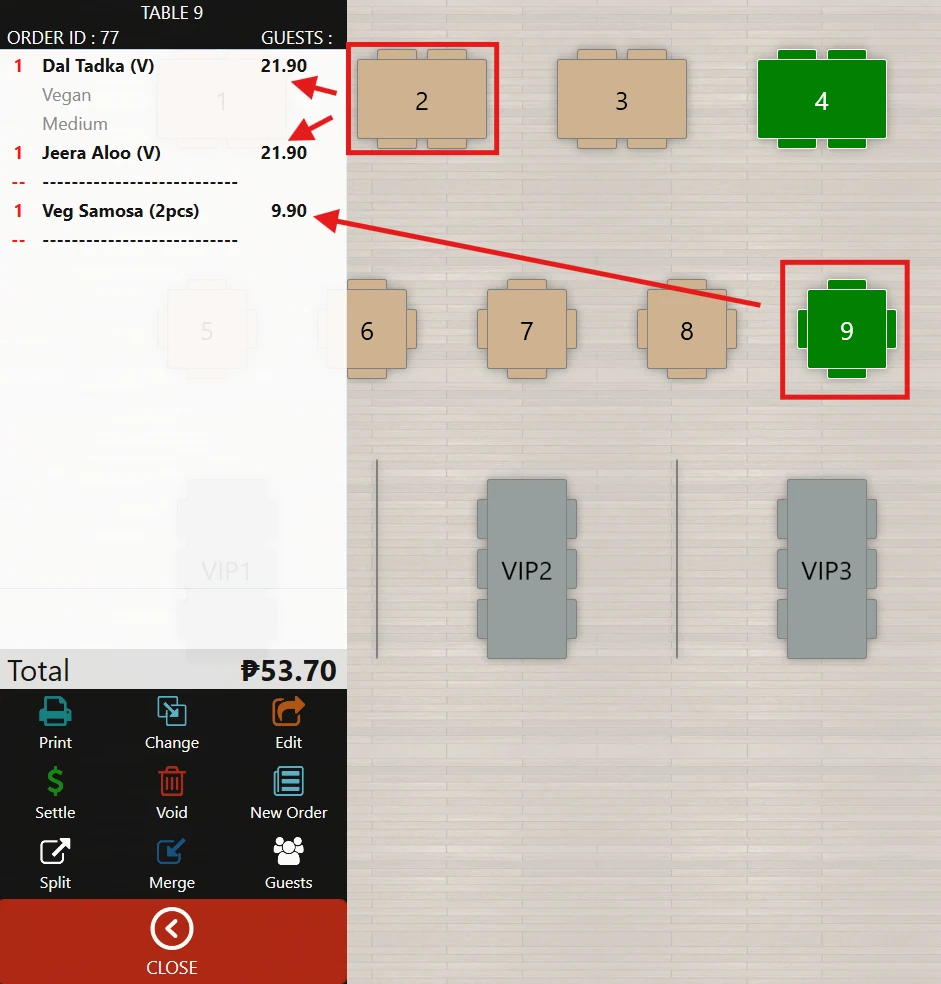
Verify which tables need to be merged.
-
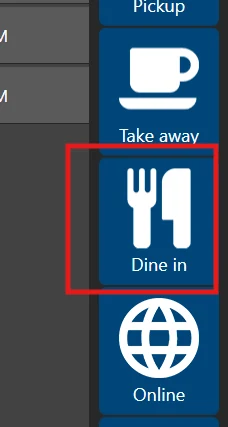
Go to Dine-In Services on the POS.
-
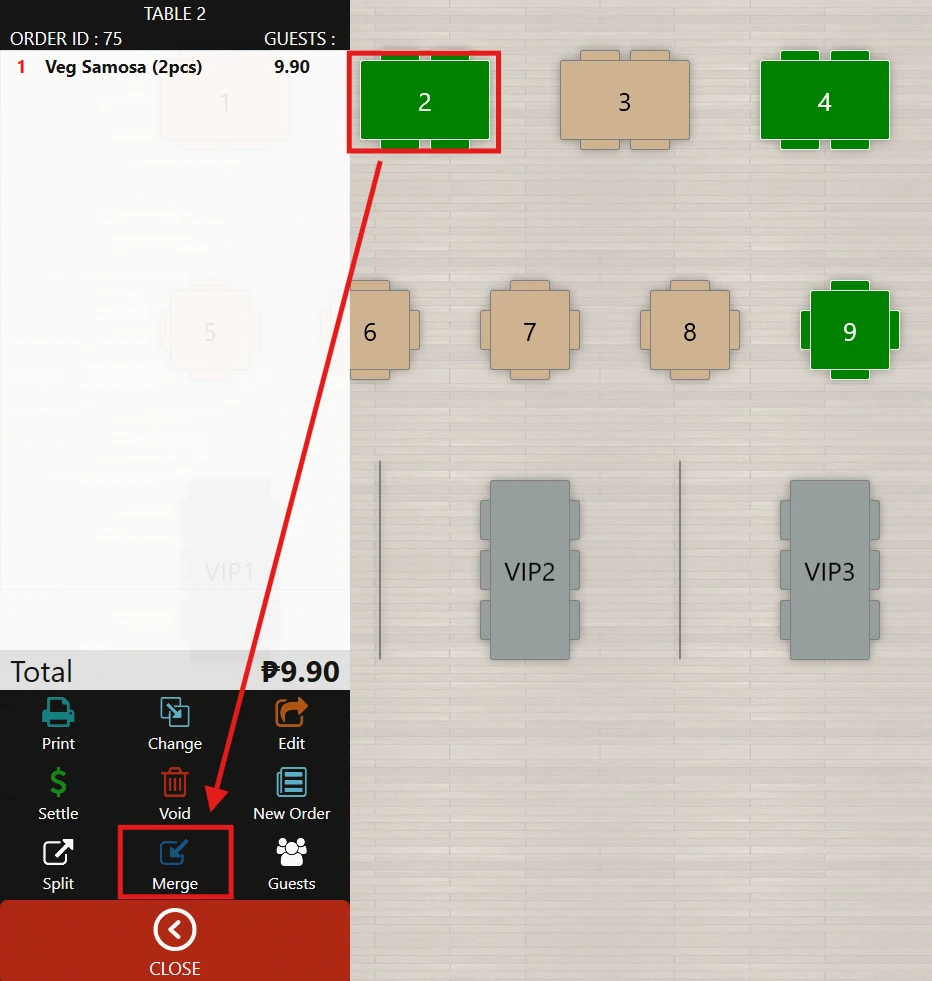
Select the first table, then click Merge from the available options.
-
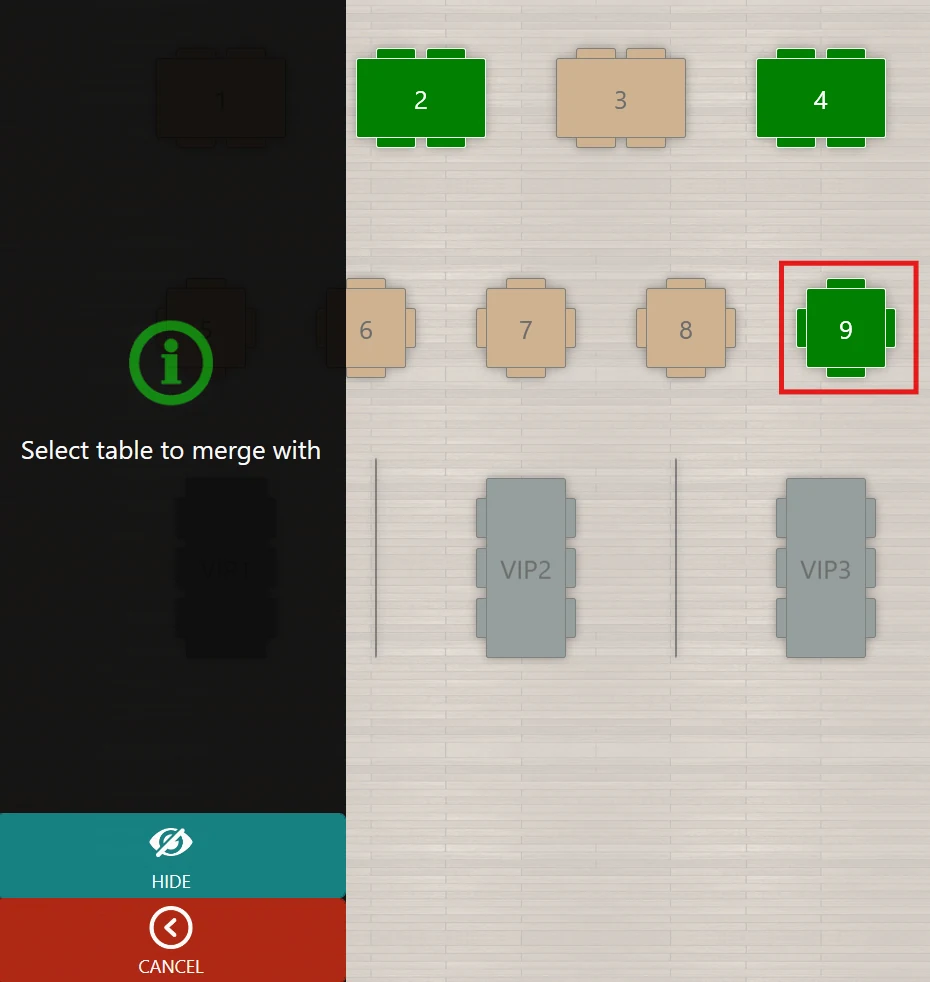
Choose the second table where you want to merge the orders.
-
The first table will become vacant, and its orders will transfer to the selected table.
-
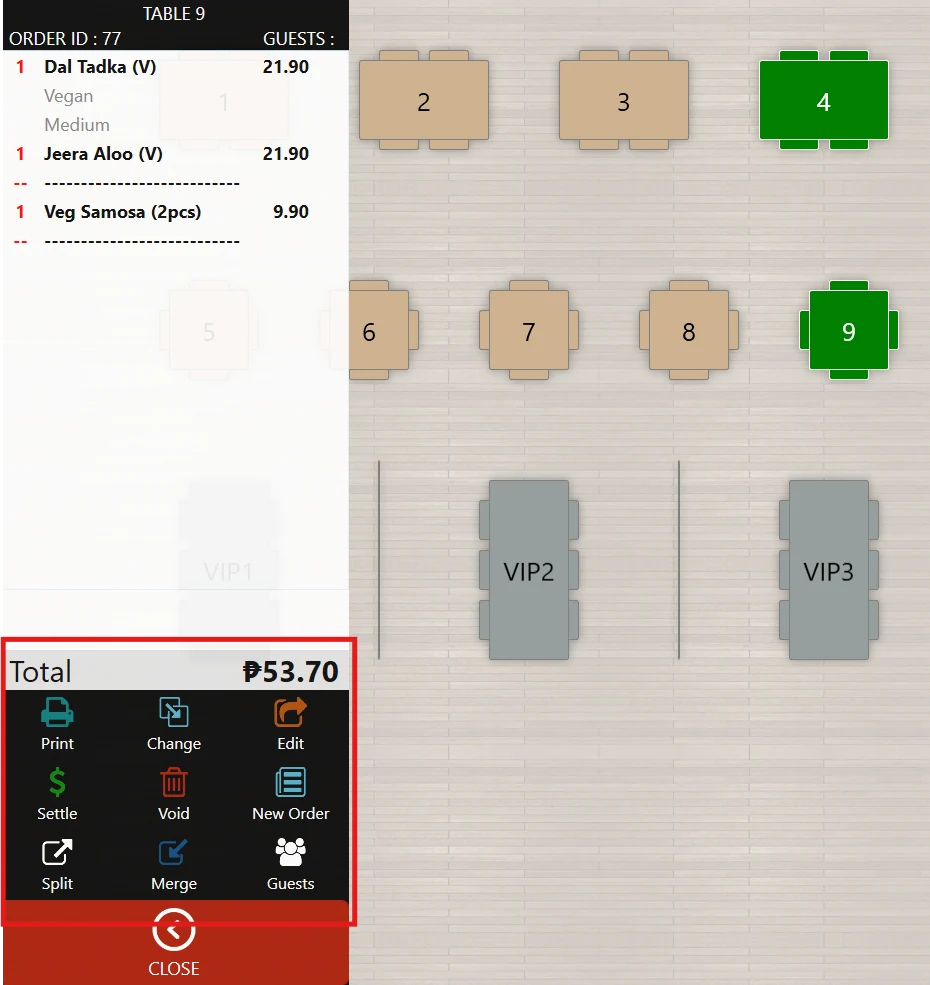
After merging, you can:
- Adjust the combined order, or
- Proceed to Settle the bill.
Note
- A broken line indicator will appear, showing that the order came from multiple merged tables.