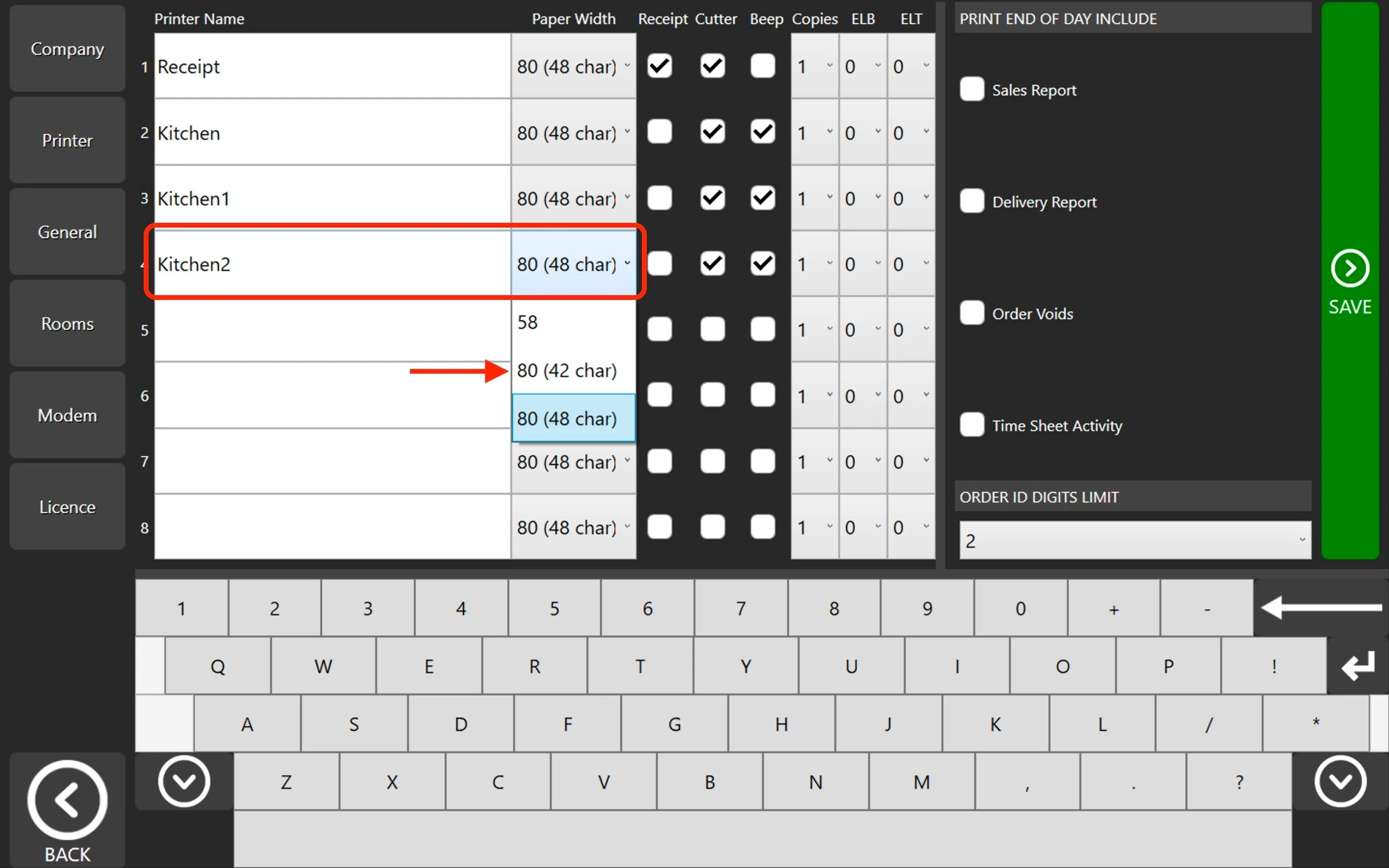
How to: Adjust Printer Width Steps: Go to POS dashboard. Go to Printer Tab. Locate the printer you need to update. Click the Dropdown list of Paper Width and adjust accordingly. See below image.
 Documentation