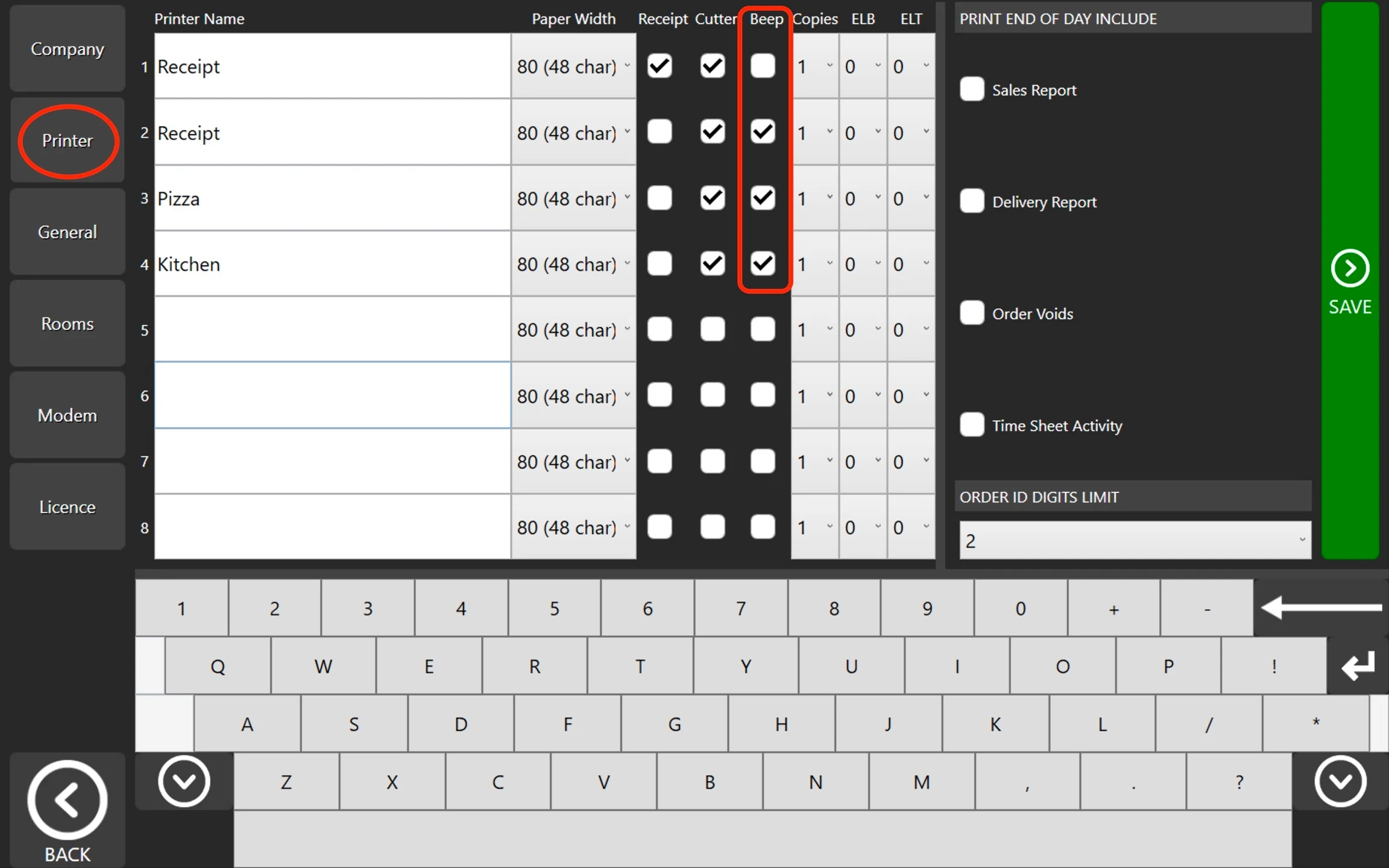
How to: Enable Printer Beep Steps: Go to POS dashboard. Go to Printer Tab. Look for 'Beep Column' and adjust it on your preference. See below image.
 Documentation