How To Export Orders & Customer Data
To export the report from the system
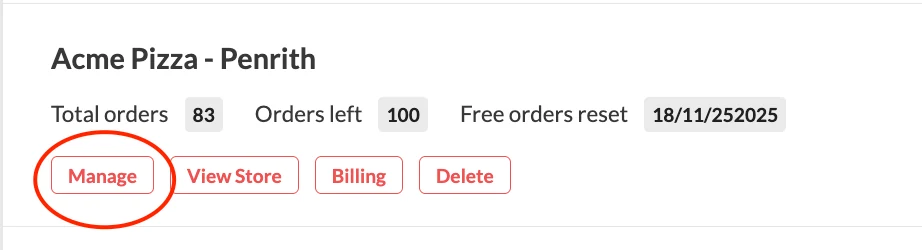
- Log in to your dashboard. Once you're logged in, click "Manage"
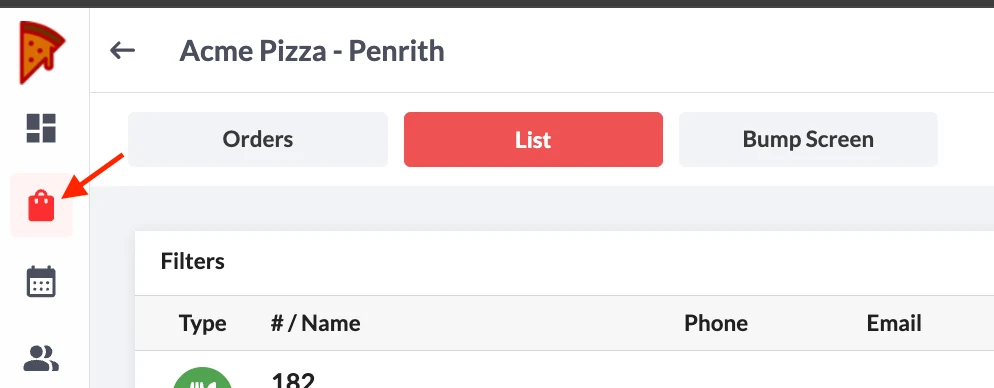
2. Click the Order Icon
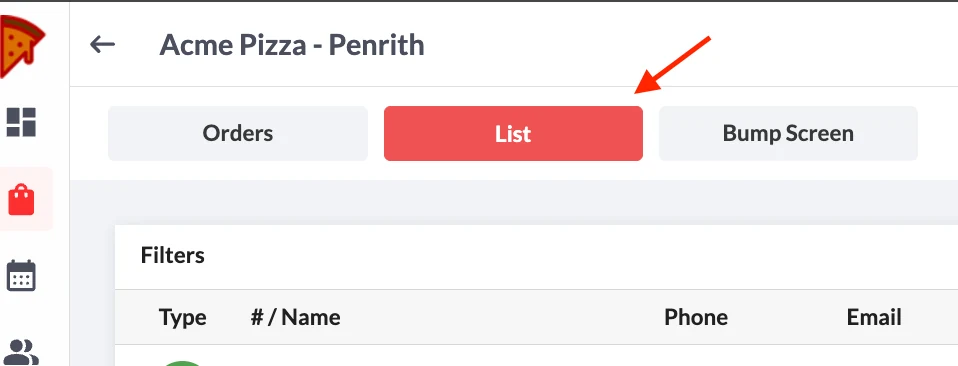
3. Switch to List View
4. Click on the Export Icon
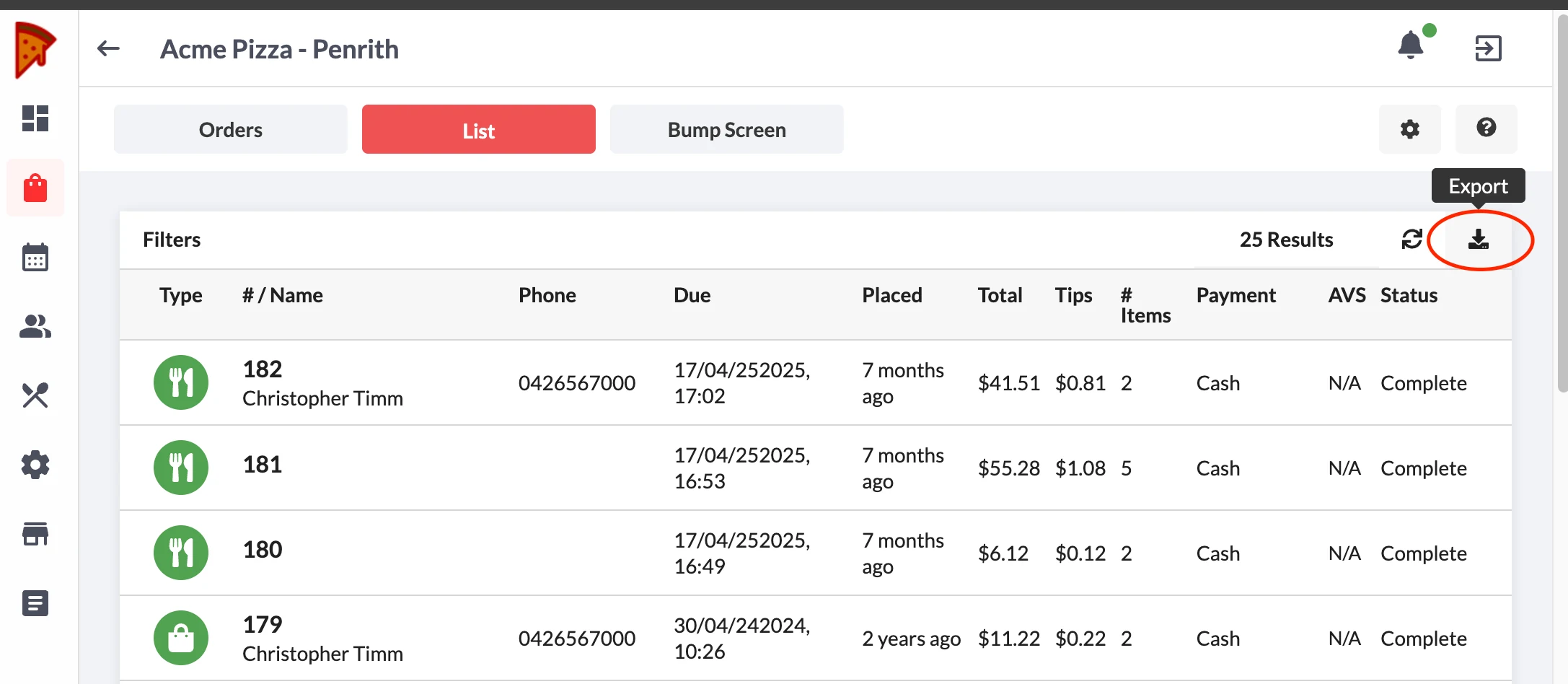
5. Filter the dates you want to get the report from
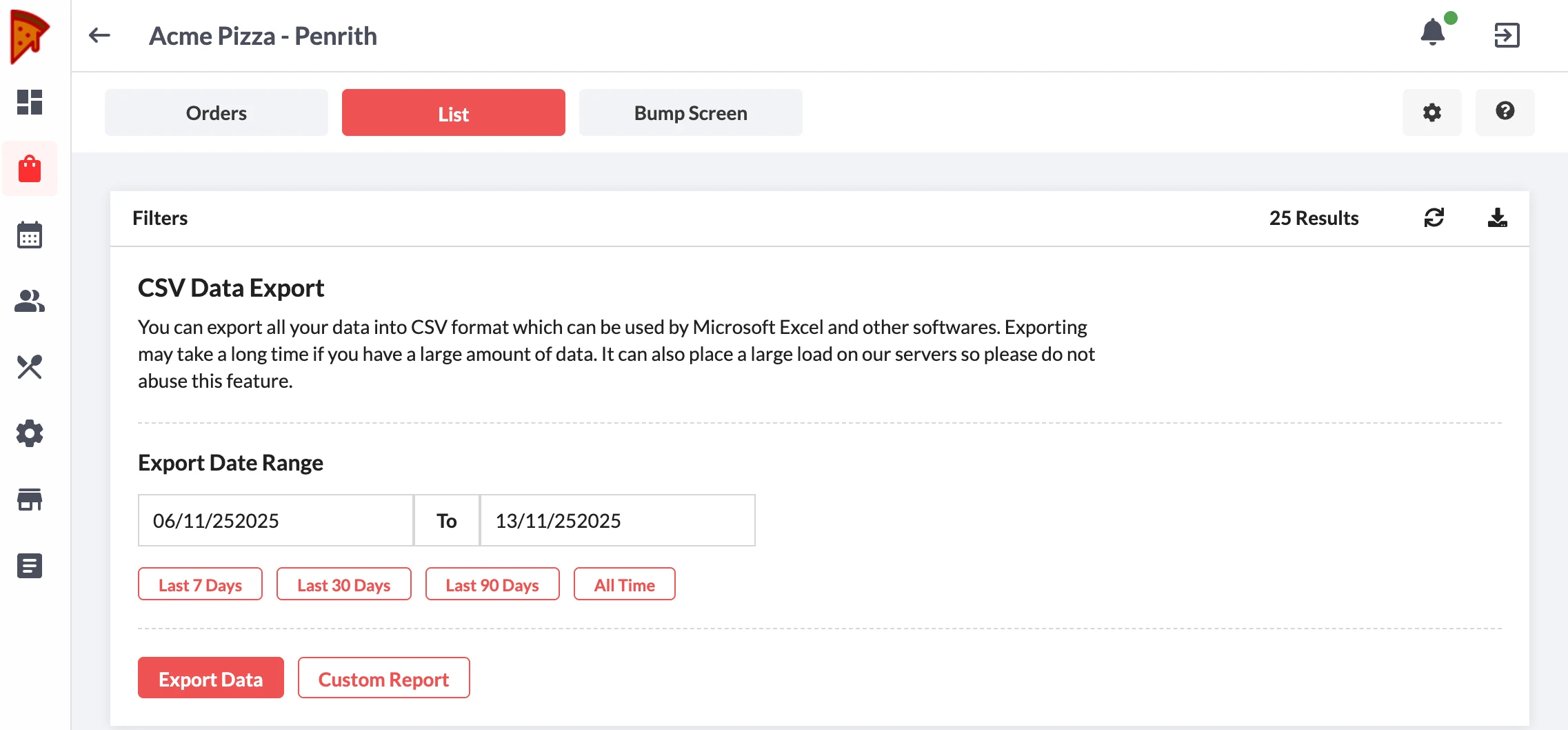
6. Export Data
7. Click Custom Report to customize data
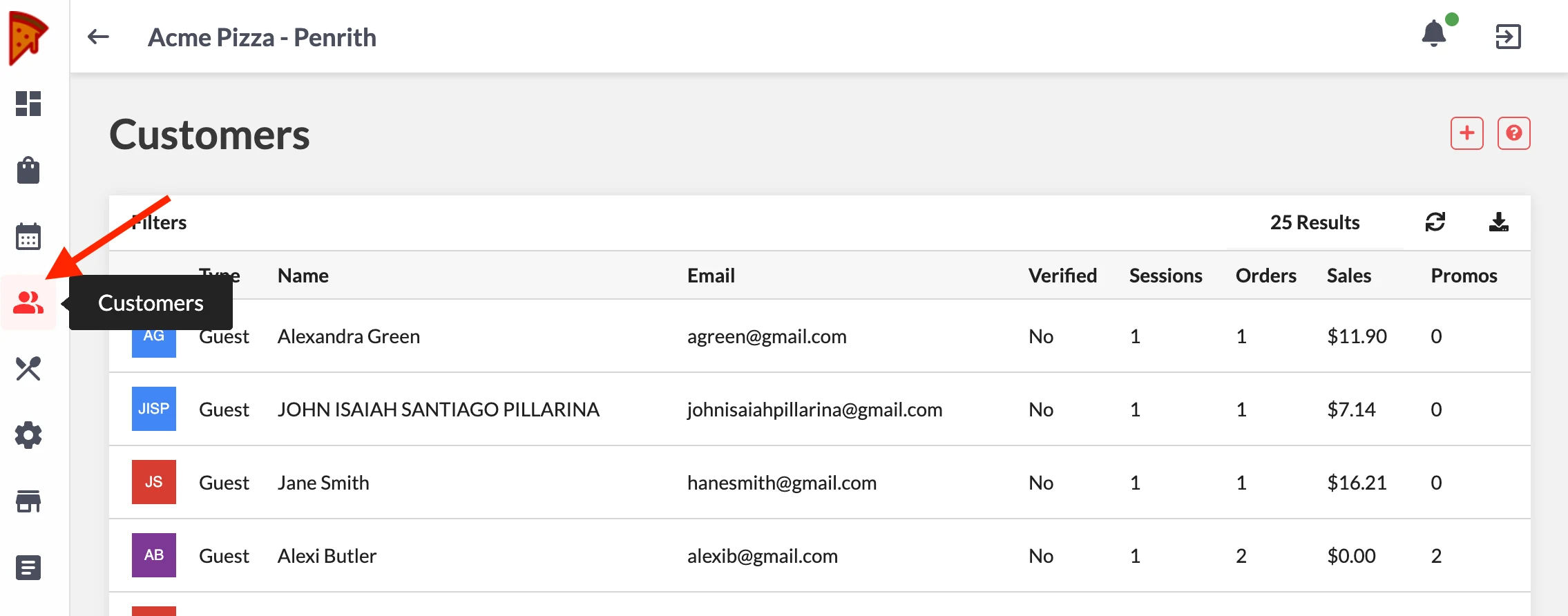
To export Customer Data
- Click the Customer icon instead and do the same steps