How to Disable Signup Feature
Steps:
- On the Admin Dashboard, go to Settings → System
- Under System, select Misc
- Toggle "Disable Signup's" to turn the feature off.
- Click Save to apply the changes.
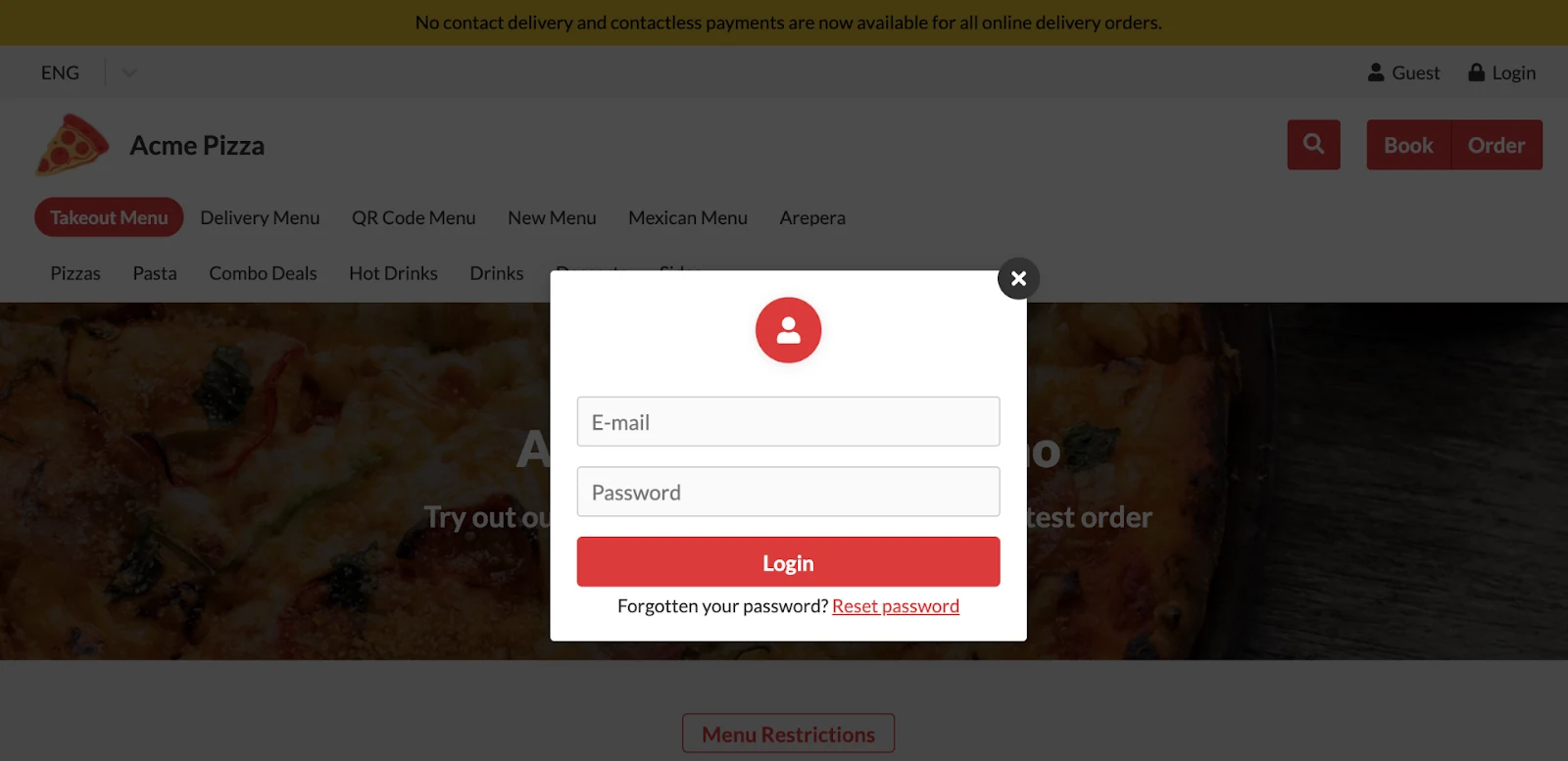
- View your store to verify the changes. When the Signup feature is disabled, the “Register” form will no longer be available to customers. See example below: