
How to Add Social Media Links (Landing Page)
Steps:
-
Log in as Admin at admin.localforyoucarts.com.
-
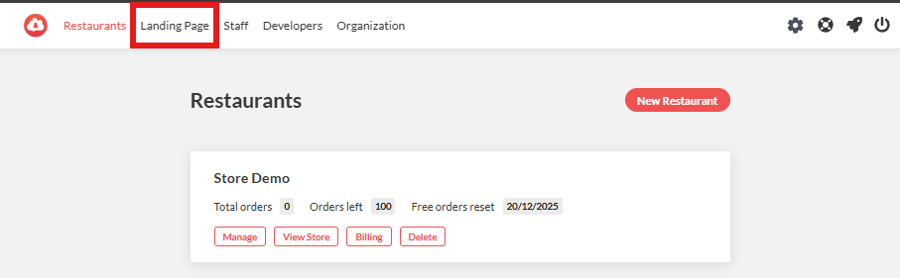
From the top navigation tabs, click “Landing Page.”
-
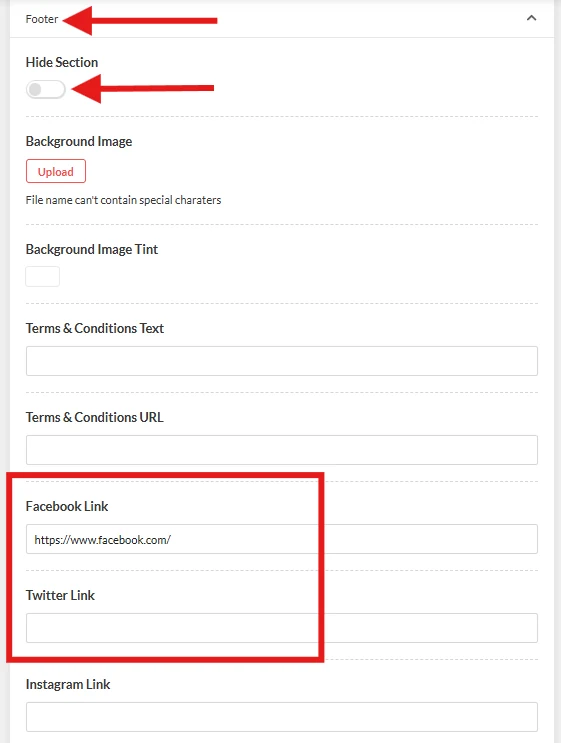
Under the Website Sections, select “Footer.”
Note: Ensure that “Hide Section” is untoggled so the footer will be visible on the website’s frontend.
-
Paste each social media link into its correct field.
Note: Make sure each link is valid and complete
(e.g., https://facebook.com/yourpage)
-
When finished, click Save.