
How To Add SEO (Search Engine Optimization)
Steps:
-
Log in to your account https://admin.localforyoucarts.com/login
-
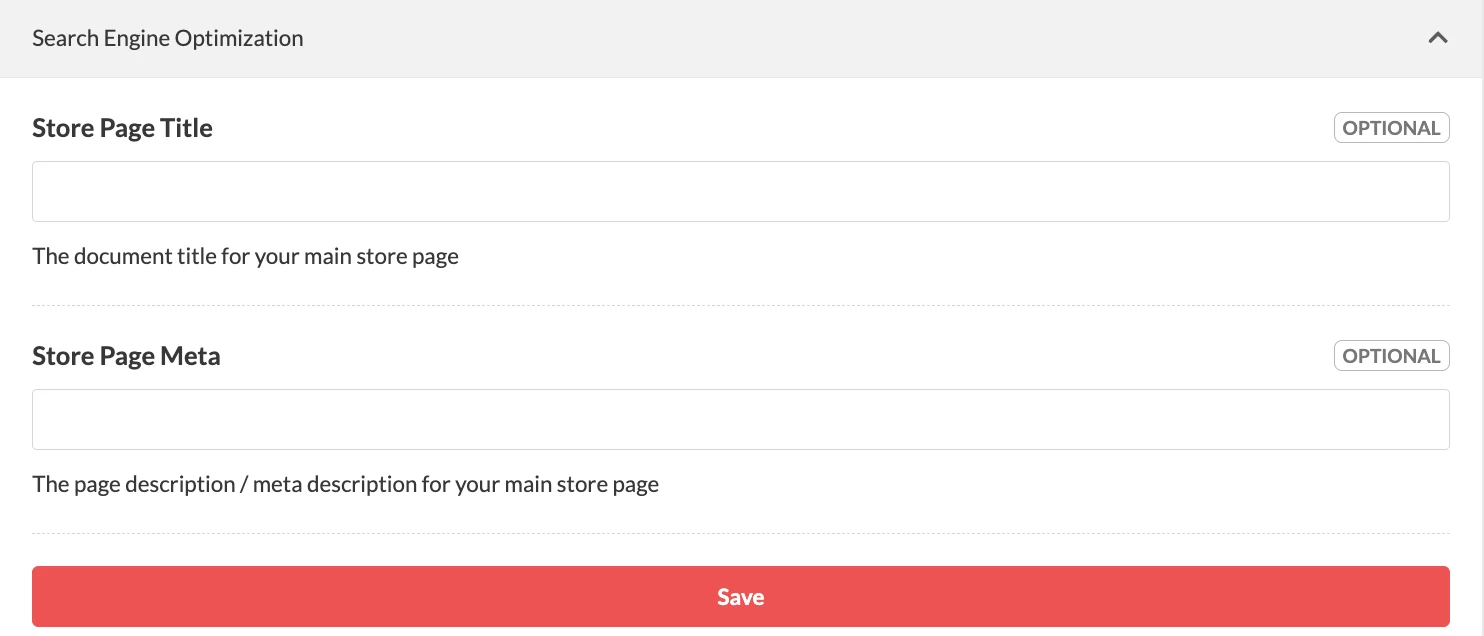
Go to Settings > Website > Search Engine Optimization
-
Fill out the details, then Save
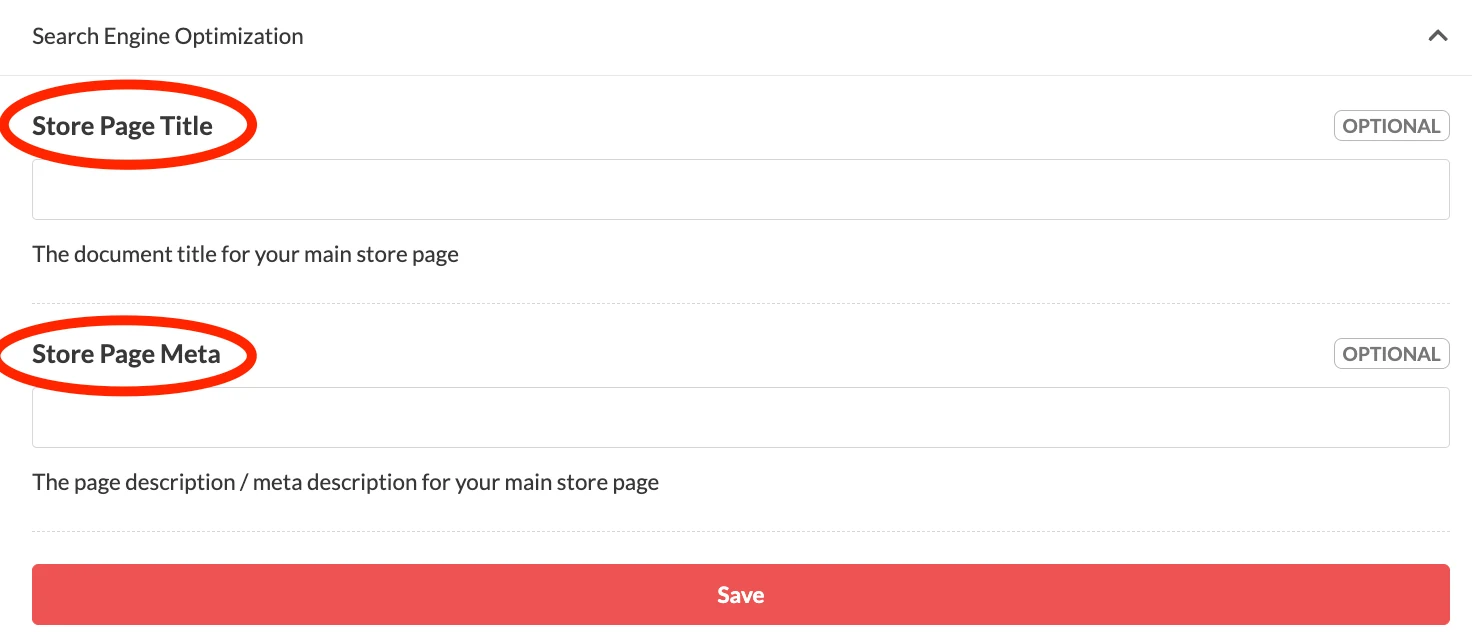
Google typically displays the first 50-60 characters
-
You can also integrate Google Analytics tracking on your ordering site to track visitors.