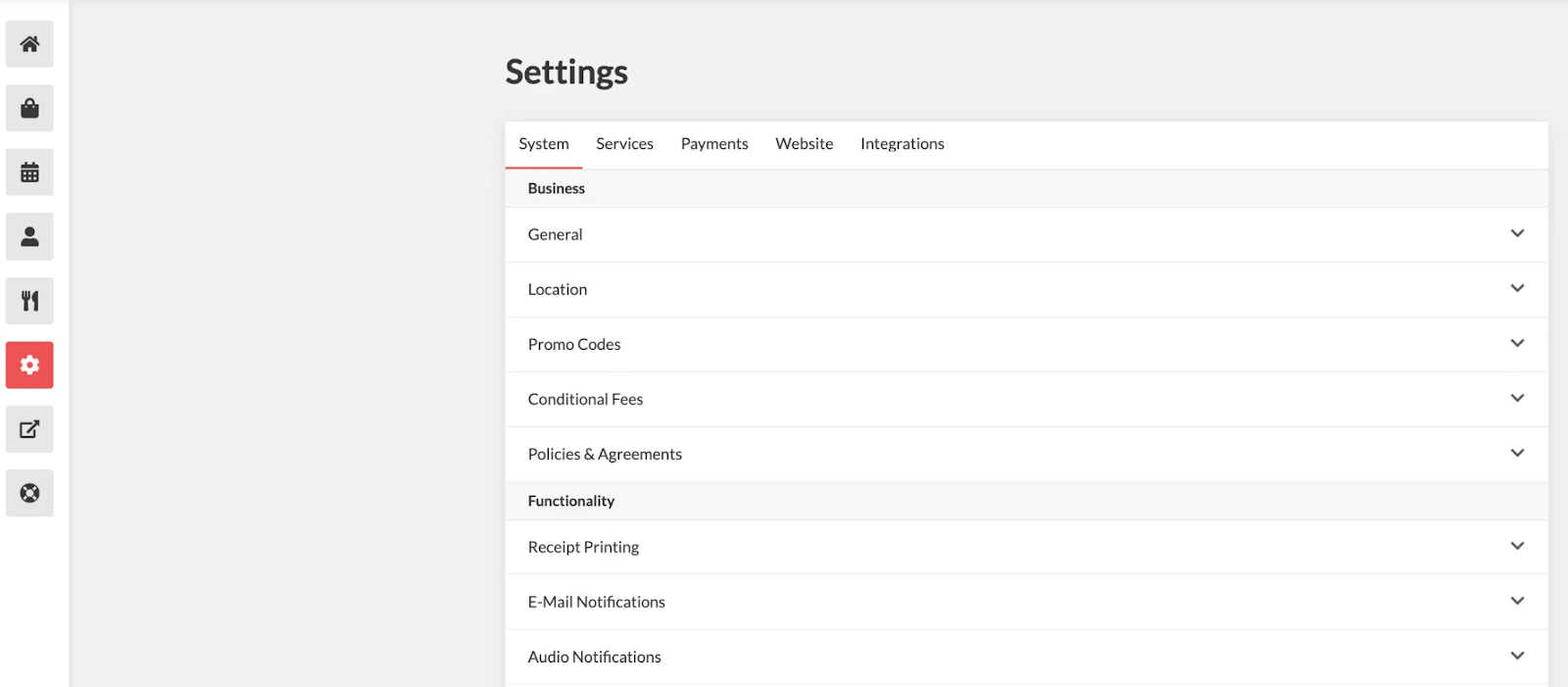
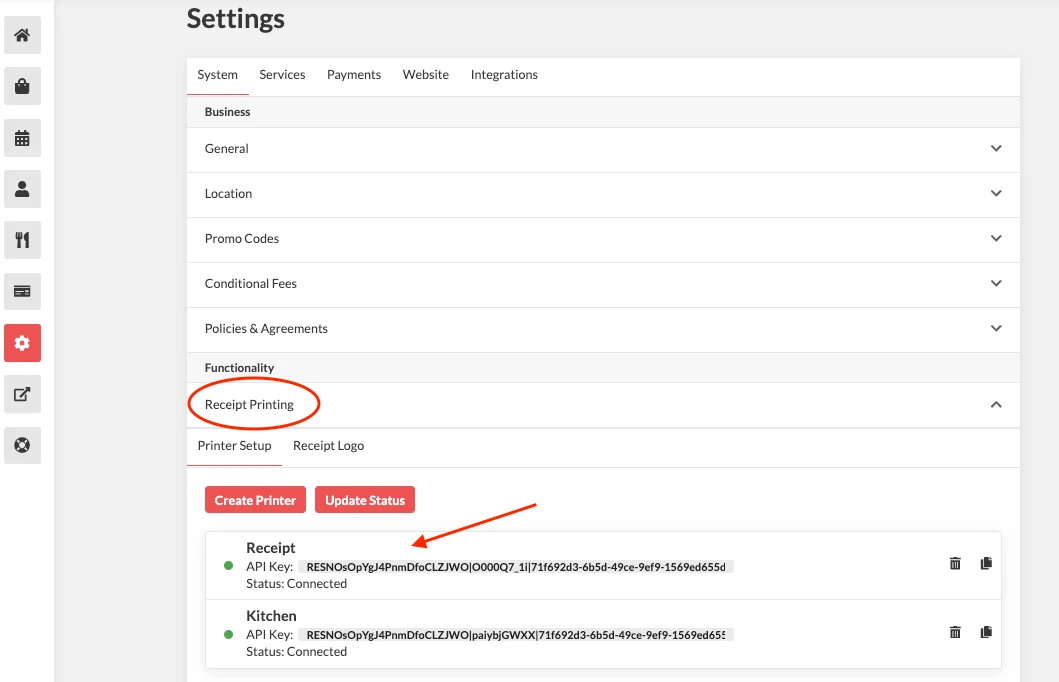
Navigate to Receipt Printing, then click the printer you want to edit to view its details.
Click Customization
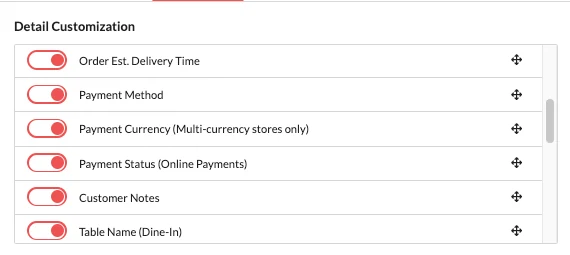
Detail Customization:
Enable the details you want displayed on the receipt (e.g., customer name, order due date, estimated ready time) and disable the ones you don’t need (e.g., order status, order placement time).
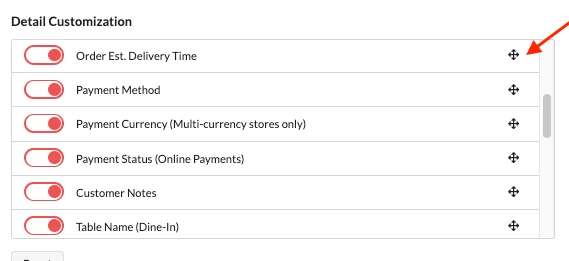
You can rearrange the order using the drag handles.
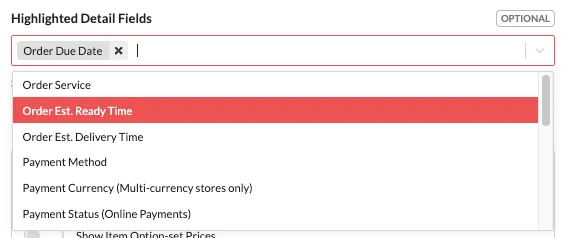
Highlight Details Fields:
Select which detail fields should be highlighted for better readability.
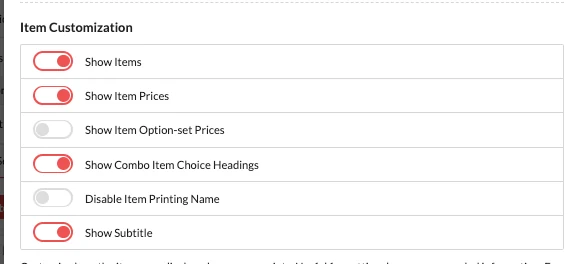
Item Customization:
Enable the items you want to display on your receipts. This is useful for removing unnecessary information.